

Book a demo
Get started

Hybrid work has changed the way companies use their offices.
Employees no longer necessarily come into the office on the same days, teams are more distributed, and workplaces need to adapt to less predictable patterns of use.
In this context, a hybrid work management platform should do more than simply allow employees to book a desk. Above all, it should reduce the friction that makes work harder to organize: knowing when to come in, where to sit, who to collaborate with, and how to make the best use of available spaces.
Here are seven features that deserve the most attention.
In a hybrid environment, office attendance is constantly changing.
Knowing who plans to come into the office helps employees organize their days more effectively and enables Workplace teams to anticipate demand.
A good platform should therefore make planning office attendance simple, fast, and transparent.
The goal is not to monitor where employees work, but to give them enough visibility to coordinate their schedules with their colleagues.
Flexible offices only work if finding a space remains simple.
Employees should be able to quickly find a suitable workstation, check its availability, and book it without going through multiple steps.
Depending on the organization, the same principle can apply to other resources such as parking spaces, equipment, lockers, or specific work areas.
For employees, the benefit is primarily operational: spending less time organizing their arrival means less friction before they even start working.
A workplace platform can be powerful and still see limited adoption if it requires employees to develop entirely new habits.
The best experiences are often those that integrate naturally with the tools employees already use, such as calendars, collaboration suites, and communication platforms.
But this approach is evolving. As the number of workplace services grows, the challenge is no longer simply to connect different tools. It is also about providing a simple entry point to the entire employee experience within the workplace.
Employees should not need to know which system manages their desk, which one handles parking, or where to look for information about their office. They should be able to start with what they need and easily access the right service.
This represents an important shift in how workplace tools should be evaluated: the quality of the experience matters just as much as the breadth of functionality.
The real question becomes: how much effort does it take for an employee to organize a day at the office?
Meeting rooms remain one of the biggest sources of friction in hybrid offices.
Rooms that are booked but remain empty, spaces that are too large for small meetings, and limited visibility into availability can quickly create frustration.
The right platform should make it easier to find, book, and use meeting rooms while giving Workplace teams a clearer understanding of how those spaces are actually being used.
The objective remains the same: preventing logistics from getting in the way of the work itself.
In a hybrid office, booking a desk is not always enough.
Employees often come on-site to collaborate with their team, meet specific colleagues, or access a particular working environment.
Being able to see available spaces and better understand where teams are located makes that coordination easier.
This visibility becomes particularly important across large offices and multi-site organizations, where navigating the workplace can quickly become complex.
Hybrid work makes occupancy patterns much less predictable.
Workplace teams therefore need data to understand how spaces are actually being used.
Which days see the highest demand? Which areas are underused? Are certain types of spaces more popular than others?
These insights help organizations continuously adapt their workplaces rather than managing them based solely on assumptions.
Office attendance does not measure employee productivity. Data is most valuable when it helps organizations improve their spaces, services, and overall workplace experience.
One of the biggest risks of hybrid work is not necessarily having too few tools, but having too many.
One solution for desks, another for meeting rooms, another for parking, while building information lives somewhere else. Even when each individual service works well, the overall experience can remain fragmented.
The goal is to move away from a model where employees need to know which tool to use and toward one where they can simply express what they want to do.
For example, saying “I’m coming to the office tomorrow” could be enough to prepare everything they need for their visit: a desk, parking spot, locker, or other available services.
AI opens up new possibilities here. An agent can become the interface between an employee’s intent and the different systems that power the workplace: answering a question, finding information, or triggering multiple actions without requiring the employee to navigate between tools themselves.
Approaches such as the Building App with the Agent Hub from Comeen by LumApps reflect this shift toward a more unified and conversational workplace experience.
Hybrid work tools should not be evaluated solely on the number of features they offer.
Their value lies primarily in their ability to make everyday work easier.
Employees should be able to quickly understand when to come in, where to work, who will be there, and which resources are available. Ultimately, they should be able to access workplace services without having to think about which tool to use for each individual need.
The same principle applies to Workplace teams: they need a consistent view of spaces and usage patterns to manage the workplace more effectively.
The direction is clear: the hybrid office is gradually moving away from a collection of specialized tools toward a more integrated experience, where spaces, services, data, and AI can work together.
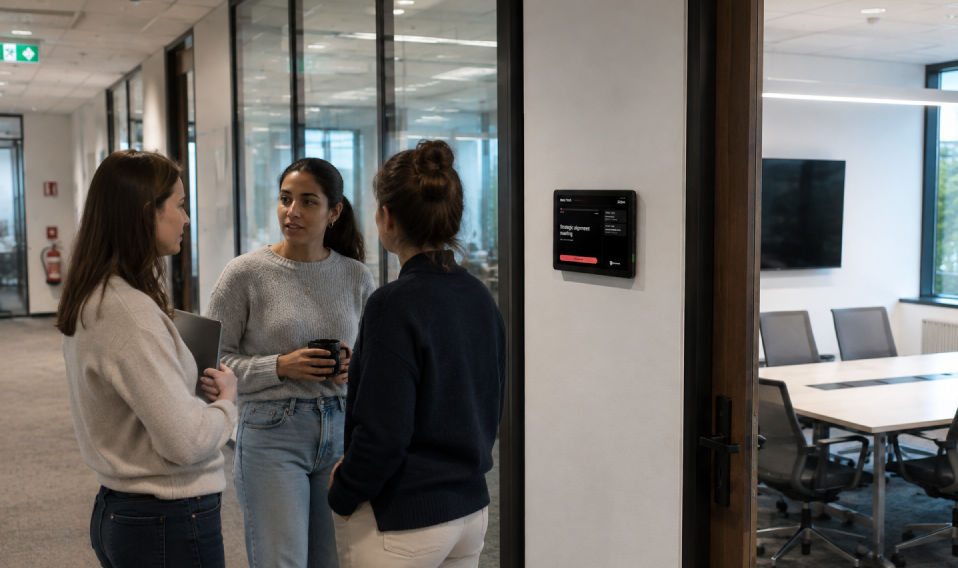
Space management creates more value when workplace data and employee experience work together. By connecting space usage, operational insights, and access to workplace services, organizations can better understand and optimize their spaces while making the workplace simpler for employees.

Hybrid work creates new workplace challenges, but the right approach can improve employee experience. Here are seven key features that help reduce friction, simplify office days, and create a more seamless workplace experience.
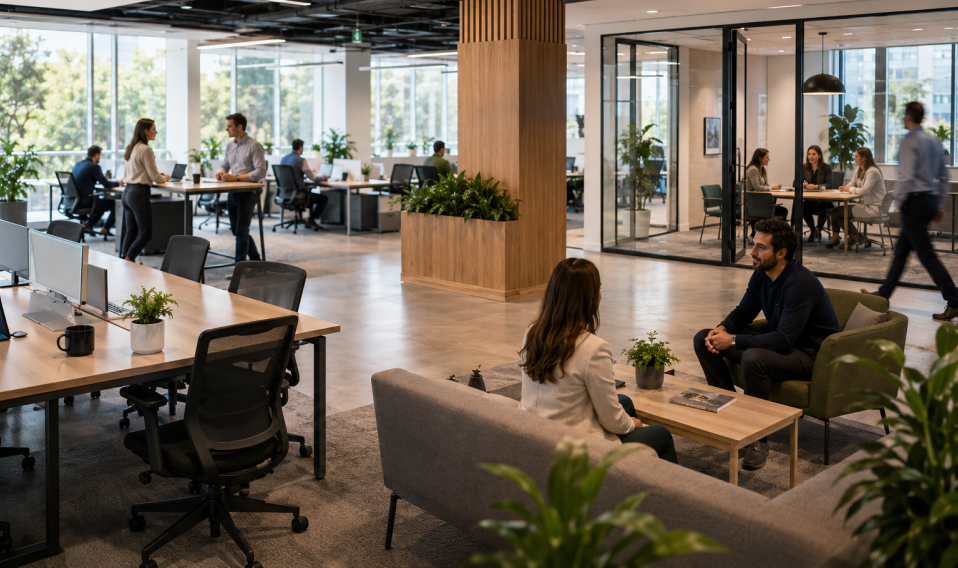
Hybrid work has transformed workplace management, making real-time space visibility, flexible booking, and workplace analytics essential for optimizing office usage, employee experience, and real estate costs.